 Live Webcams in Spences Bridge
Explore live streaming views from Spences Bridge, . Check current weather conditions, traffic, and beautiful local spots.
Latest Cameras
24 streams found












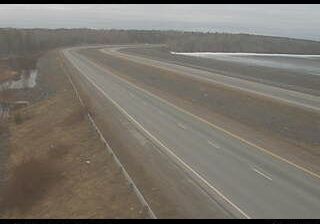






Virtual Travel to Spences Bridge
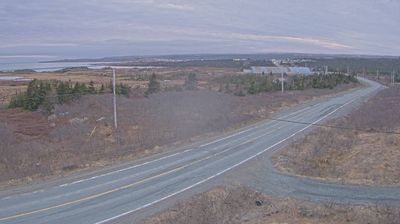
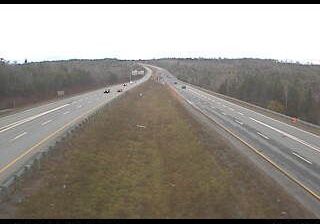
Whether you are planning a real-world visit or just digital globe-trotting, the live webcams in Spences Bridge offer an unfiltered glimpse into daily life. Watch the sunrise, check the local traffic before your commute, or simply enjoy the urban and natural landscapes that make this location unique. Bookmark this page to easily return and check the live weather conditions anytime.

About Spences Bridge
Spences Bridge is a community in the Canadian province of British Columbia, situated 35 km (22 mi) north east of Lytton and 44 km (27 mi) south of Ashcroft. At Spences Bridge the Trans-Canada Highway crosses the Thompson River. In 1892, Spences Bridge's population included 32 people of European ancestry and 130 First Nations people. There were five general stores, three hotels, one Church of England and one school. The principal industries are fruit growing and farming. The population as of the 2021 Canadian census was 76, a decrease of 23.2 per cent from the 2016 count of 99.
📖 Read more on Wikipedia